Creating a home office that feels both cozy and productive can significantly enhance your work-from-home experience. A well-designed workspace helps you stay focused, reduces stress, and supports a healthy work-life balance. Whether you have a dedicated room or a small corner in your living room, here are some practical tips to help you set up an inviting and efficient home office.
Choose the Right Location
Finding the ideal spot in your home for your office is the first step. Consider these factors:
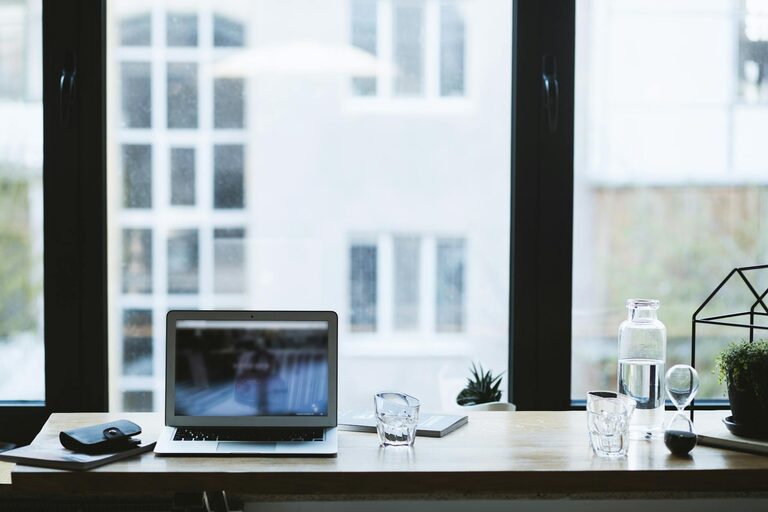
– Natural Light: Try to position your desk near a window to benefit from daylight. Natural light can improve mood and reduce eye strain.
– Quietness: Select a quiet corner or room where distractions are minimal.
– Space: Make sure the area has enough space to accommodate your desk, chair, and necessary equipment comfortably.
Invest in Comfortable Furniture
Comfort is key when you spend long hours working at your desk.
– Ergonomic Chair: Choose a chair that provides good back support and adjustable height.
– Desk: Pick a desk that suits your work style and allows for good posture. Consider standing desks if you want to mix sitting and standing.
– Accessories: Footrests, wrist supports, and monitor stands can enhance comfort and prevent strain.
Optimize Lighting
Proper lighting reduces eye fatigue and creates a welcoming atmosphere.
– Layered Lighting: Combine natural light with ambient and task lighting.
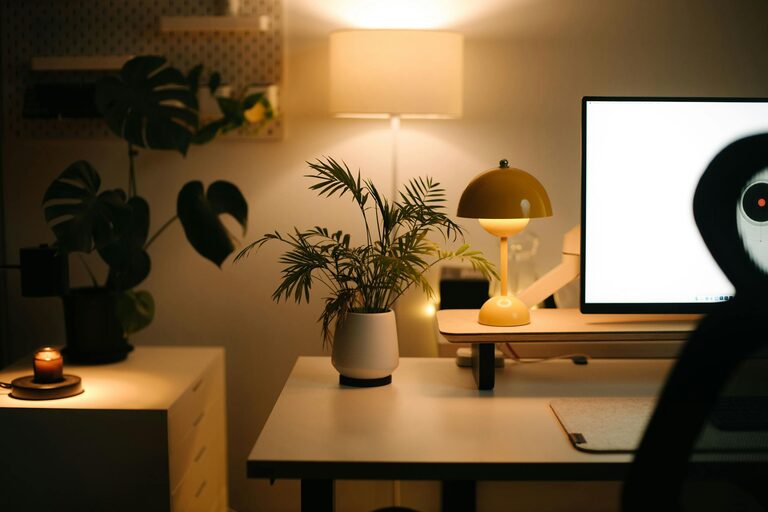
– Desk Lamps: Use adjustable desk lamps for focused work.
– Warm Light Bulbs: Opt for warm white bulbs (2700–3000 Kelvin) to create a cozy environment.
Personalize Your Space
Adding personal touches can make your office feel more inviting and inspiring.
– Decor: Use artwork, photos, or plants to bring life to your workspace.
– Colors: Choose calming and uplifting colors for walls or accessories, such as soft blues, greens, or warm neutrals.
– Organizational Items: Attractive storage boxes, bulletin boards, or shelves help keep your area tidy and personalized.
Keep Your Workspace Organized
An organized workspace enhances productivity and reduces stress.
– Declutter Regularly: Remove unnecessary items from your desk.
– Storage Solutions: Use drawers, filing cabinets, or shelves to keep supplies and documents in order.
– Cable Management: Use clips or cable boxes to prevent tangles and keep your desk clean.
Incorporate Technology Wisely
Having the right technology setup can streamline your workflow.
– Reliable Internet: Ensure stable and fast internet connectivity for seamless communication.
– Quality Equipment: Invest in a good monitor, keyboard, mouse, and headset tailored to your needs.
– Software Tools: Use productivity apps or project management tools to stay organized.
Maintain a Healthy Environment
A healthy home office supports your well-being and focus.
– Air Quality: Keep the room ventilated and consider air purifiers if needed.
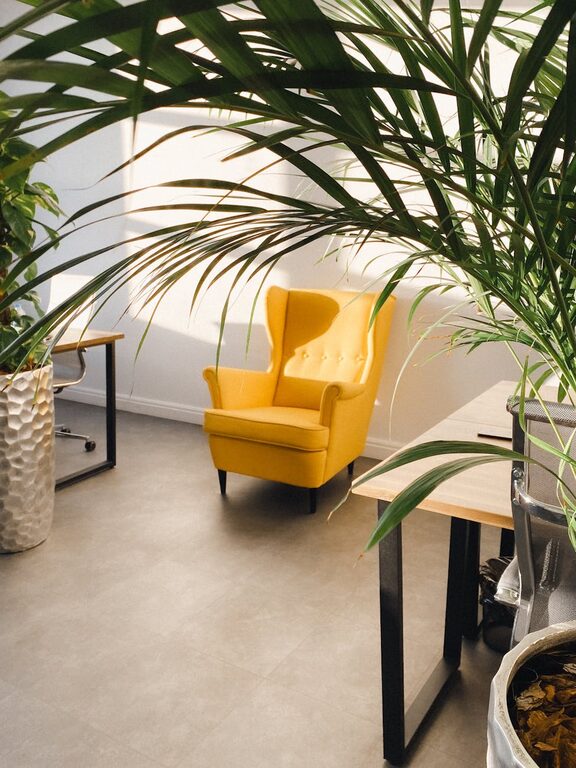
– Plants: Adding greenery can improve air quality and reduce stress.
– Break Area: Set up a small space nearby for short breaks to avoid burnout.
Establish Boundaries
Working from home can blur the line between personal and professional life.
– Set Work Hours: Define clear start and end times for your workday.
– Separate Work and Relaxation Areas: Avoid working from your bed or couch to maintain mental separation.
– Communicate: Inform family or roommates about your work schedule to minimize interruptions.
Regularly Refresh Your Space
Change keeps the environment stimulating and prevents monotony.
– Rearrange Furniture: Experiment with different layouts.
– Update Decor: Swap out accessories or artwork occasionally.
– Clean Thoroughly: Regular cleaning keeps your space inviting and functional.
—
Designing your home office with these tips can transform it into a cozy and productive haven. The right combination of comfort, organization, and personalization will help you enjoy your workday and stay motivated. Remember, a pleasant workspace is not just about aesthetics—it’s about creating an environment that supports your best work every day.

Related Posts