Creating an effective home office space can make a significant difference in your productivity and overall work satisfaction. Whether you work remotely full-time or occasionally need a dedicated area for tasks, setting up a functional and comfortable workspace helps you stay focused and motivated. In this article, we’ll explore practical tips to design a home office suited to your needs while promoting productivity.
Why a Dedicated Home Office Space Matters
Having a designated area for work helps mentally separate professional duties from personal life. It fosters concentration by minimizing distractions and establishes a routine that signals “work time” to your brain. Without a proper space, it can be challenging to maintain focus and efficiency.
Choosing the Right Location
Consider Natural Light and Ventilation
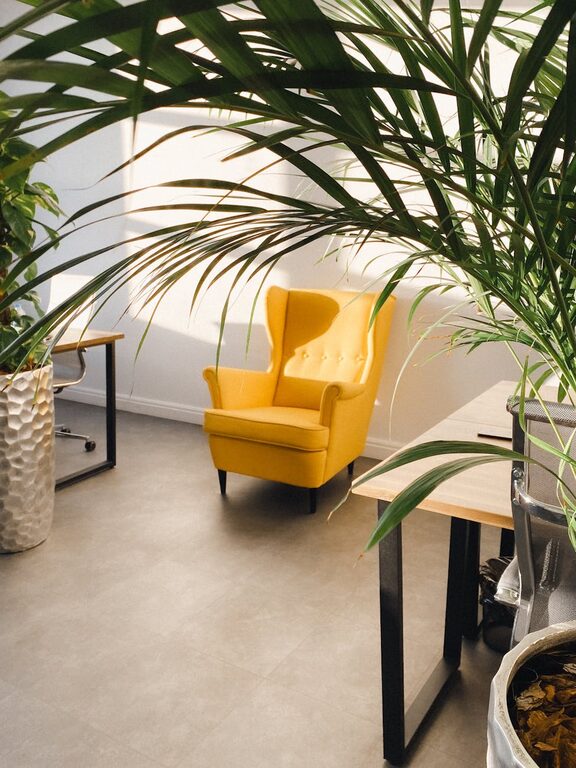
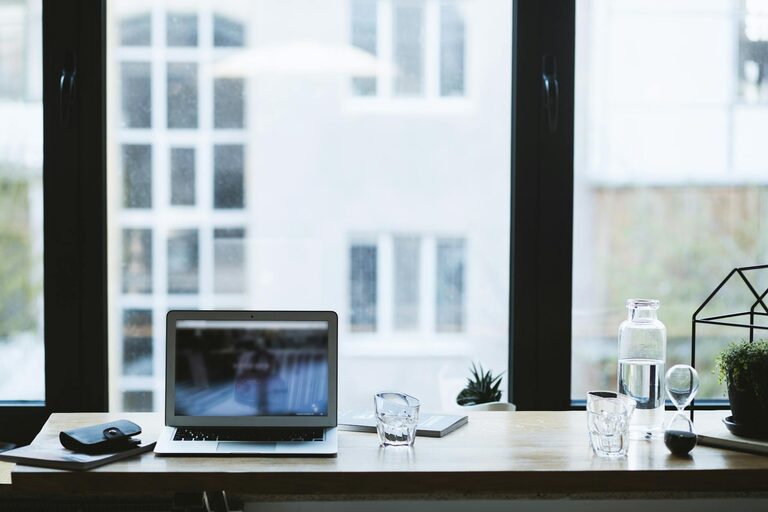
If possible, select a spot near a window that offers natural light. Sunlight improves mood and alertness, reducing eye strain. Good airflow is also essential to keep the environment fresh during long hours.
Minimise Noise and Interruptions
Look for a quiet corner or room where noise and traffic are limited. Using noise-canceling headphones or adding soundproofing materials like rugs and curtains can help if external sounds are unavoidable.
Accessibility and Privacy
Ensure your workspace is easy to reach but private enough to avoid interruptions from family members or roommates. A door you can close or a partition can protect your focus during important calls or deep work.
Furniture and Ergonomics
Invest in a Comfortable Chair
An ergonomic chair that supports your lower back is crucial. It reduces the risk of back pain and promotes better posture during long work sessions.
Choose a Functional Desk
Select a desk with enough surface area for your monitor, keyboard, and any other essentials. Adjustable desks that can switch between sitting and standing positions offer health benefits and help keep energy levels up.
Monitor Position and Lighting
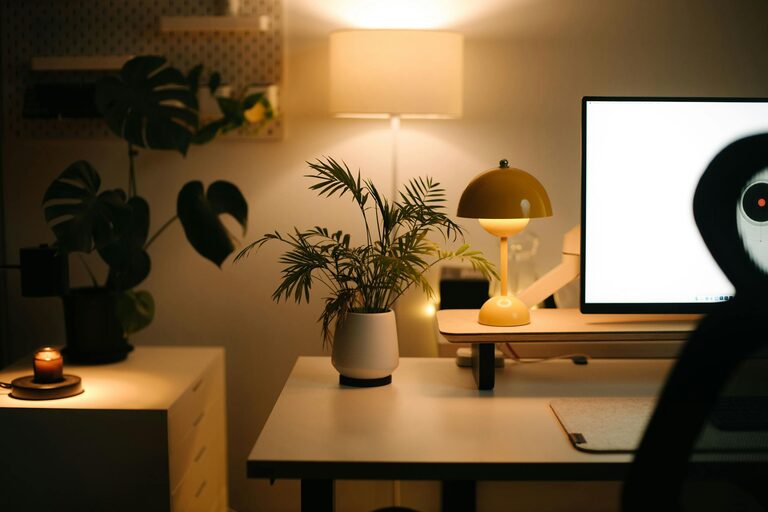
Place your monitor at eye level about an arm’s length away. Use adjustable lighting to prevent glare and eye strain. Desk lamps with adjustable brightness and color temperature are ideal.
Organizing Your Workspace
Declutter Regularly
A tidy environment reduces distractions. Use organizers, shelves, and drawers to keep paperwork, cables, and office supplies neatly stored.
Use Cable Management Systems
Cables and cords look messy and can hinder movement. Velcro straps, cable trays, or clips help keep wires organized and out of your way.
Incorporate Storage Solutions
File cabinets, baskets, and desktop organizers help you maintain order. Labeling storage containers speeds up finding what you need and returning items to their place.
Personalising Without Overdoing
Add Meaningful Décor
Photos, plants, or inspiring artwork can create a pleasant and motivating atmosphere. Green plants also improve air quality and reduce stress.
Choose Calming Colours
Soft, neutral tones or your favourite calming colours can support focus. Avoid overly bright or cluttered decorations that may distract you.
Technology and Tools
Reliable Internet and Equipment
Stable internet and updated devices ensure smooth workflow. Invest in quality headphones, microphone, and webcam if your work involves virtual meetings.
Use Productivity Apps
Task managers, calendars, and focus apps help organize your workload and minimise procrastination. Choose tools that integrate well with your work style.
Maintaining Work-Life Balance
Set Clear Boundaries
Define your work hours and stick to them. Avoid working from your bed or couch to maintain a professional mindset.
Take Breaks and Move
Schedule regular breaks to stretch or walk. Movement helps reduce fatigue and keeps your mind fresh.
Final Thoughts
Designing an effective home office is a personal process, but following these tips can help you create a productive and comfortable space. By paying attention to location, ergonomics, organisation, and personal touches, you’ll foster an environment that supports your work goals and wellbeing. Start with small changes and adjust as needed to find the perfect setup for you.

Related Posts